Have you reset your Pixel and can’t get past the Google login screen? We’ll fix that. You just need a computer, internet, and a charging cable. Order our service, and a tech will connect to your phone through your computer to remove that annoying login screen.

This gets rid of the Google account screen. It doesn’t unlock your carrier, though. Need that? Check our other options. This works on every single Pixel model: Pixel 10 Pro Fold, 10 Pro XL, 10 Pro, 10, 9 Pro Fold, 9 Pro XL, 9 Pro, 9, 8a, 8 Pro, 8, 7a, 7 Pro, 7, 6a, 6 Pro, 6, 5a (5G), 5, 4a (5G), 4a, 4 XL, 4, 3a XL, 3a, 3 XL and 3.
Unlock your FRP Locked Pixel Now
How to Remove FRP Lock from Your Pixel Permanently
When you forget your phone’s password or PIN, a factory reset clears it. You can do this through your phone’s Settings menu or by using the hardware buttons when the phone is off.
After the reset finishes, you’ll see a message like this:
This device was reset. To continue, sign in with a Google account that was previously synced on this device.
This is FRP lock, also called Factory Reset Protection. Google built it to stop thieves from using stolen phones after a reset. The problem starts when you can’t remember your old Google account login or you’ve lost access to that email. Now you’re locked out of your own phone.
UnlockBoot solves this problem for you.
Our technicians connect to your Pixel through your computer and remove the lock. Here’s how it works:
- Takes 5 to 10 minutes once we’re connected
- Your photos and files might get wiped, so back them up first
- We only remove the Google login screen
- Need carrier unlocking? Visit: https://store.unlockboot.com/frp-unlock-service/?service=16
What You Need to Get Started
- A Windows computer
- USB Redirector software (download link comes after you order)
- Your phone’s build number (find it in Settings > About phone > Build number)
- A USB cable
The Simple Process to Unlock Your Pixel
1 Head to our Pixel FRP removal page and pick your phone model: https://store.unlockboot.com/frp-unlock-service/?service=16
2 Type in your IMEI number and hit ‘Unlock Now.’ Don’t know your IMEI? Just put in 0000 on the website.
3 Pay for your order. We’ll email you the full instructions. Read them and follow along.
4 Our tech starts working on your phone. Chat with us on Facebook or our live chat: https://www.unlockboot.com/chat
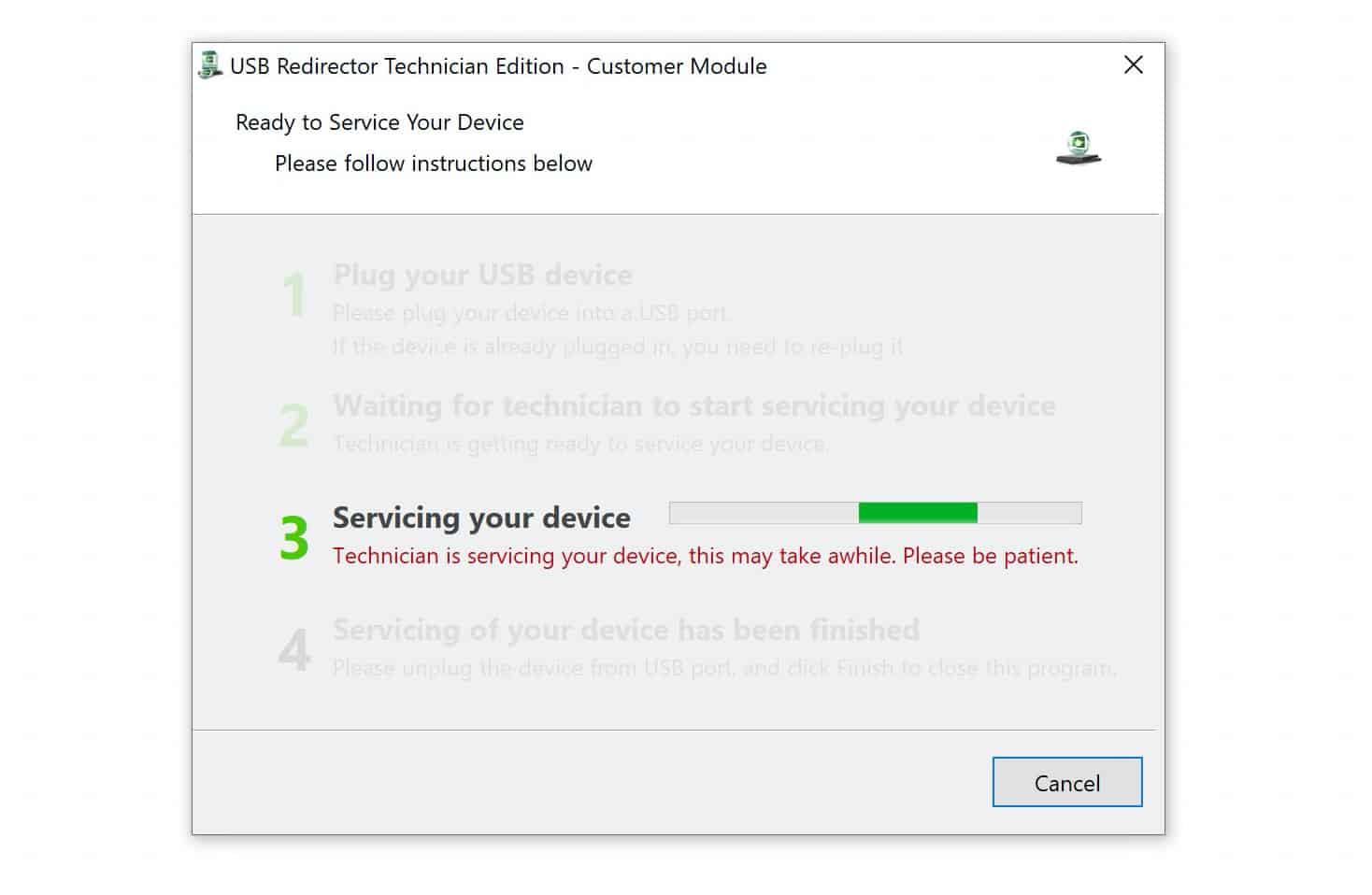
Book a time slot with us. We’re available from 8:00 AM to 8:00 PM EST, Monday through Saturday.
After our tech connects, it takes five to ten minutes tops.
Why Choose UnlockBoot for Your Pixel
We’ve been doing this for years. There is no sketchy software, no rooting your phone, just a straightforward unlock that actually works.
What you’re getting:
- Experienced techs who know Pixel phones inside and out
- Safe removal that won’t brick your device
- Current methods that work on the latest Android versions
Works on:
- All Google Pixel phones
- All Google Pixel tablets
Not happy? Get your money back. Simple as that.
What Happens After You Order
Order the service and make sure everything’s filled out correctly. We’ll email you with the next steps. It might take a little while, so hang tight. Once you get that email, schedule a time with our tech.
They’ll need 5 to 10 minutes to remove that Google lock, and then your phone will be good to go. Stuck somewhere? Message us, and we’ll help you out.