

If you forgot your password or can’t get past the Google account screen, your Galaxy S26, S26 Plus or S26 Ultra is stuck until the FRP lock is removed. You can’t reset it, you can’t set it up, and you can’t use it. Samsung built FRP in to protect your phone if it’s ever lost or stolen. It stops anyone from wiping the device and using it without your Google account credentials. That’s useful until you’re the one on the wrong side of it.

Our service removes the FRP lock for good. Once it’s done, you can set your phone up fresh with a new Google account and get back to using it normally. This service covers all regional variants of the Galaxy S26, S26 Plus/Edge, and S26 Ultra (SM-S9420, SM-S942W, SM-S942C, SC-51G, SCG36, SM-S942Q, SM-S942Z, SM-S942N, SM-S942U1, SM-S942B2, SM-S942U, SM-S942BE, SM-S942B, SM-S9470, SM-S947C, SC-52G, SCG38, SM-S947Q, SM-S947Z, SM-S947W, SM-S947U1, SM-S947N, SM-S947U, SM-S947B2, SM-S947BE, SM-S9480V, SM-S9480, SM-S948W, SCG37, SM-S948Q, SM-S948Z, SM-S948C, SC-53G, SM-S948N, SM-S948U1, SM-S948B2, SM-S948U, SM-S948BE or SM-S948B). Android 16, 15, 14, and earlier are all supported.
Fix Your Google Locked S26 NOW
Unlock the FRP Lock on Your Samsung Galaxy S26, S26 Plus or S26 Ultra
Before you start, make sure you have a USB cable, a Windows PC (Mac users need Parallels), and a working internet connection.
1 Buy the service on our website: https://store.unlockboot.com/frp-unlock-service/
2 Enter your IMEI when prompted. If you don’t know it, just type 0000 or tap Emergency then type *#06# to find the IMEI.

3 Check your email. We’ll send you a step-by-step guide along with any software you need.
4 Connect your phone to your PC with the USB cable and follow the instructions.
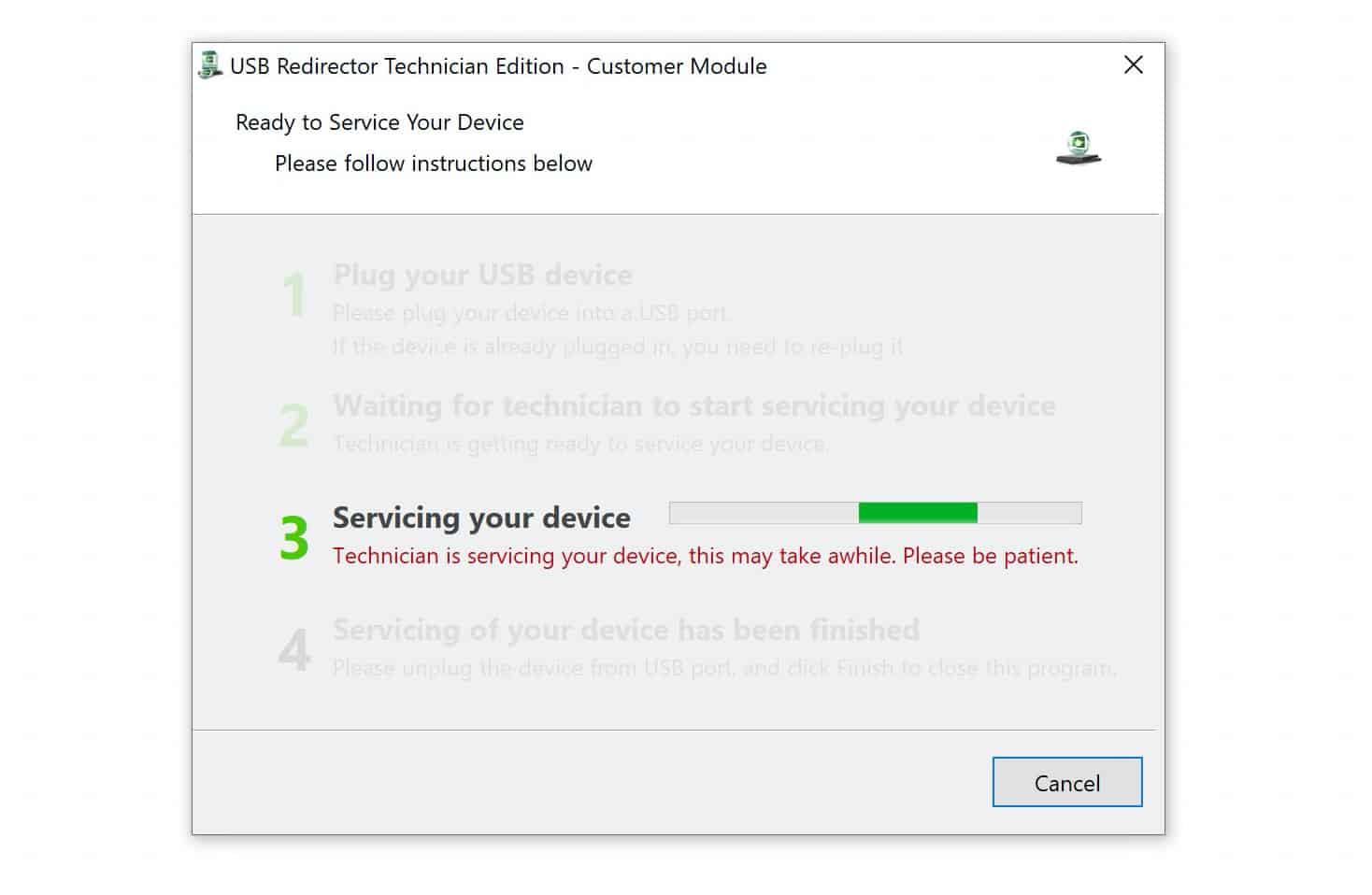
5If you get stuck at any point, our team is available on live chat to help you through it – https://www.unlockboot.com/chat/
Once you’re done, the FRP lock is removed and your phone is ready to use.
Your Money Back If We Can’t Remove the Lock
We offer a full refund if the service doesn’t work on your device. No conditions, no back-and-forth. Our team is also available 24/7 if you have questions before, during, or after the process. Just open the live chat anytime.
Questions About Removing FRP From Your S26
In this section, I’ll answer the questions people frequently ask about removing FRP from S26.
No. This service only removes the FRP lock. It won’t affect any network or carrier restrictions on your device.
Do I need any technical knowledge?
No. If you can follow a set of instructions and plug in a USB cable, you have everything it takes.
How long does it take?
Most people get through the process within a single session. Follow the steps in the email and you’ll be back in your phone before long.
If Google FRP is locking you out of your Samsung Galaxy A17 or A17 5G, the UnlockBoot Team can help. We’ll remove the FRP lock safely and efficiently, so you can regain permanent access to your device.









