

If you have a Samsung Galaxy A17 or A17 5G that keeps getting stuck on the FRP screen, it means the linked Google account was never removed before the reset. Unlocking it is the best way forward, and UnlockBoot’s service handles it fast without touching your data or affecting your phone’s functionality.

This service covers all major variants, including SM-A175F, SM-A175F4, SM-A175N, SM-A176BE, SM-A176B, SM-A176B2, SM-A1760, SM-A176B4, SM-A176W, SM-A176U, SM-A176U1 and SM-S176V. Once unlocked, you get full access to your contacts, apps, and everything else on the device.
Galaxy A17 FRP Removal Service
Whether you forgot your account password or picked up a second-hand device that was never properly reset, getting back in is simpler than you’d expect.
Steps to Remove the FRP Lock on Your Galaxy A17 / A17 5G
Getting started is simple. Here’s what you need to do:
1 Visit the service page: Go to https://store.unlockboot.com/frp-unlock-service/
2 Enter your IMEI: This is the unique 15-digit number tied to your phone. Not sure where to find it? Just tap Emergency then type *#06# or check the SIM tray.

3 Place your order: Once your order is confirmed, you’ll get an email walking you through the next steps.
4 Connect your phone: You’ll need a USB-C cable, a computer, and a stable internet connection.
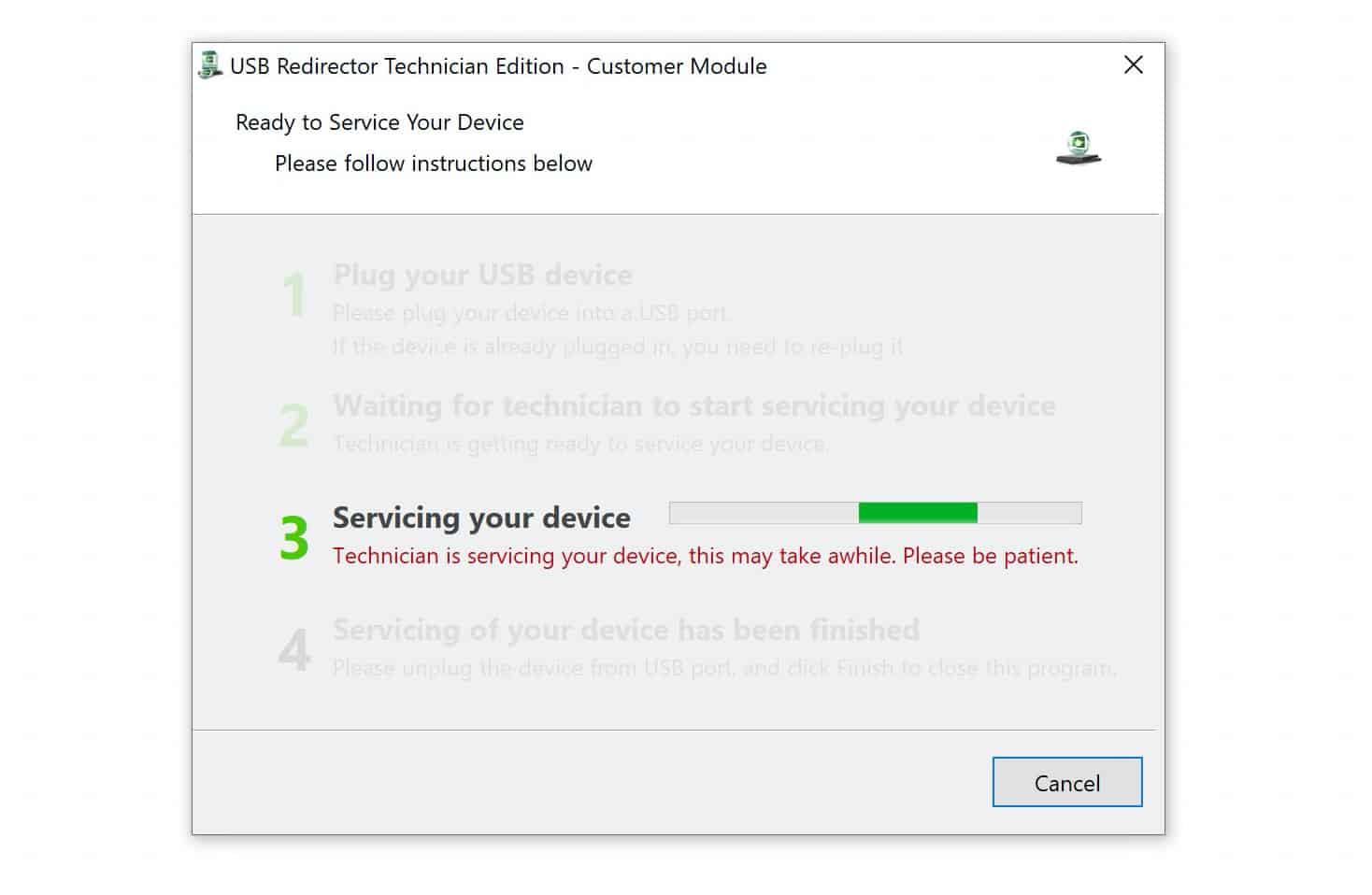
5 Chat with a technician: One of our technicians will connect with you over live chat and handle the removal remotely. Most people are back on their home screen within minutes.
Why Use This Service?
- Thousands of customers have used it to get their phones back without any issues. You can see their reviews on Trustpilot.
- Our service is cost-effective and comes with a 100% money-back guarantee.
- Your data stays secure throughout the entire process.
- Everything is handled remotely, so you don’t need to visit a shop or send your phone anywhere.
- Your Samsung Galaxy A17 or A17 5G comes out with its full functionality and resale value intact.
If a Google FRP lock is stopping you from accessing your Galaxy A17 or A17 5G, contact the UnlockBoot Team. We’ll help you remove the lock and permanently regain access to your device.









