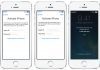
After a factory reset, a lot of people see a screen asking them to verify a Google account. That’s FRP, or Factory Reset Protection. It stops you from using your phone until you sign in, and that’s why so many people freak out when they see it.

But there’s no reason to panic, as the fix takes a few minutes. Our team removes FRP locks online, and you can do the whole thing from home. We can help with Galaxy A37 5G models including SM-A376B, SM-A376B/DS, SM-A376E, SM-A376E/DS, SM-A376U, SM-A376U1, SM-A376W, and SM-A3760.
Just so you know, the lock is there for safety more than anything else. It stops someone from resetting a lost or stolen phone and using it as their own. But it can also lock out the real owner who can’t recall the login. If you remember your details, enter them and finish setting up the phone. If you don’t, we can remove the lock for you.
We remove FRP locks from Android phones, including the Samsung Galaxy A37 5G. We’ll help you take the Google lock off so you can set up your phone and start using it again.
How to Remove FRP From Your Galaxy A37 5G via USB
1 Go to our FRP removal page: https://store.unlockboot.com/frp-unlock-service/
2 Enter your phone’s IMEI. Dial *#06# on your Galaxy A37 to find the 15-digit number.
3 Add your email address and phone number so we can get in touch with you. Double-check both before moving on.
4 Place your order, and we’ll email you the steps right away.
5 Grab a USB cable and a Windows computer with a good internet connection, then connect your Galaxy A37 5G.
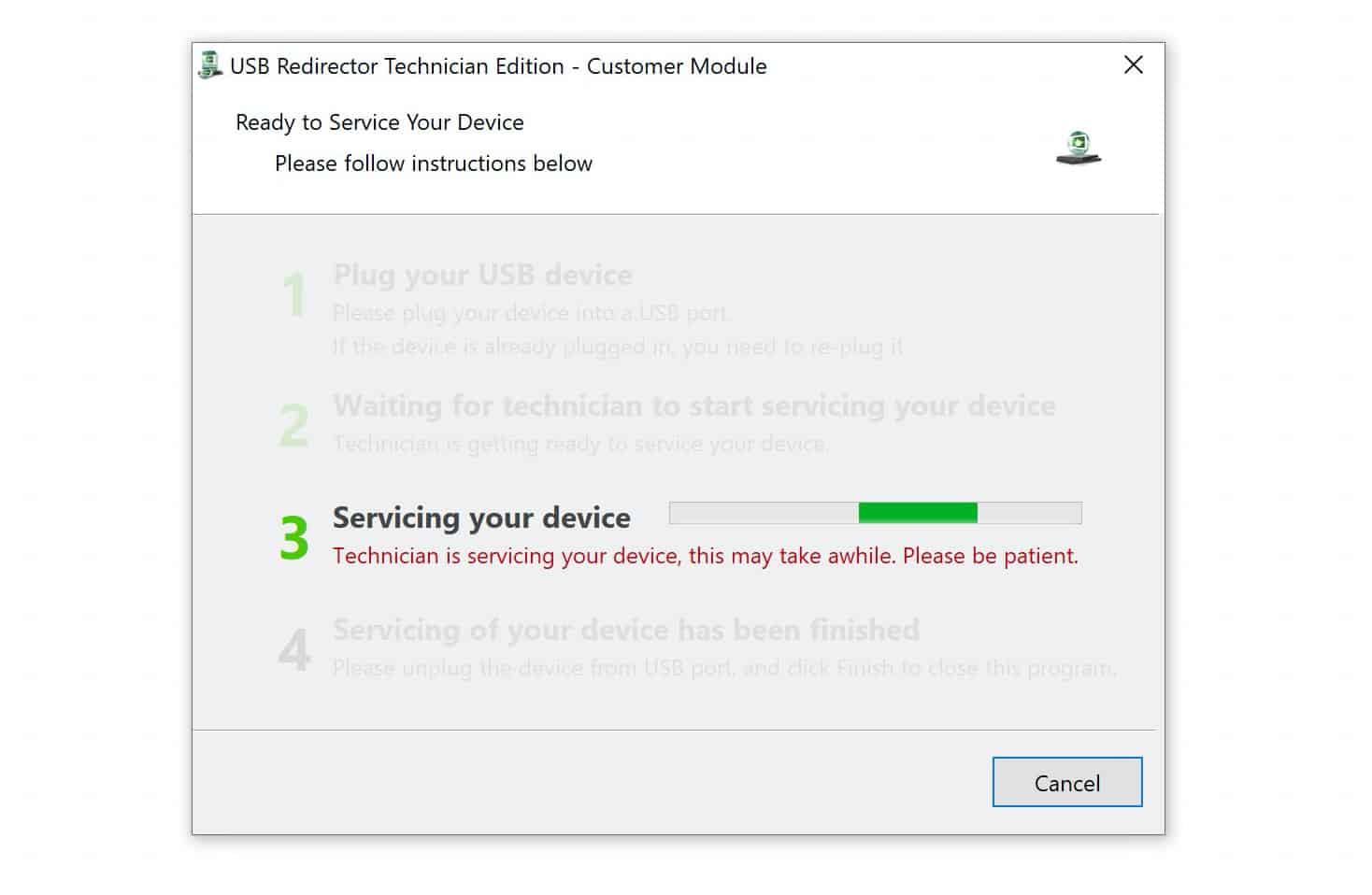
6 Message us on live chat. One of our technicians will join you and walk you through the process. The whole thing usually takes just a few minutes.
That’s it. Once we’re done, you can set up your Galaxy A37 5G and start using it again.
Why Choose Us?
You don’t need to take your Galaxy A37 5G anywhere or figure this out on your own. Our technicians can help you remove the FRP lock online while you stay at home.
- Do it from home. Everything happens online, so there’s no need to take your phone to a shop.
- Your money is covered. If we can’t remove the lock, we’ll give you your money back.
- Your privacy stays intact. We won’t share your personal information with anyone.
- Can’t find your IMEI? Enter 0000, and we’ll help you figure it out.
- Your warranty is not void. The FRP removal process won’t affect your Galaxy A37 warranty.
- It takes just a few minutes. You won’t have to sit around for hours waiting for us to finish.
If Google FRP has locked you out of your Galaxy A37 5G, get in touch. We’ll help you remove the lock so you can get back to using your phone.