

Accessing your Galaxy Tab S11 series is part of everyday use, but it can quickly become frustrating if you are locked out due to a forgotten password or FRP lock. We’re here to help you unlock your FRP-locked Galaxy Tab S11 lineup, including the Galaxy Tab S11 (SM-X730), Galaxy Tab S11 5G (SM-X736B, SM-X736N, SM-X736C), Galaxy Tab S11 Ultra (SM-X930, SM-X936C), and Galaxy Tab S11 Ultra 5G (SM-X936B, SM-X936N).

Recovering your password is the simplest solution, but if you’re unable to do so, your device will remain locked. This happens because of Samsung’s Factory Reset Protection (FRP), a built-in security feature designed to prevent unauthorized factory resets and safeguard your data. While FRP significantly improves device security, it also means that if you forget your login credentials, you may need an FRP removal service to unlock the device and regain access.
Fix Your Google Locked Tab S11 NOW
Many services online claim to offer FRP removal, but most are not compatible with the latest Samsung Galaxy Tab S11 series. Removing an FRP lock is a sensitive process that requires careful handling to ensure device safety and data protection. We provide a secure, simple, and affordable solution designed to help you remove the FRP lock from your Galaxy Tab S11 tablet.
Just follow a few easy steps to complete the unlocking process and regain access to your device. Please note that this procedure only disables FRP protection on your Galaxy Tab S11, S11 5G, S11 Ultra, and S11 Ultra 5G models and does not remove any network locks or other restrictions on the device. Also, the device must be factory reset before starting the process.
All Steps to Do For a Permanent Samsung Galaxy Tab S11/S11 Ultra 5G FRP Removal
1 To get started, visit our website and go to the FRP removal section. From there, select the appropriate FRP unlock service for your device: https://store.unlockboot.com/frp-unlock-service/
2 Enter your Galaxy Tab S11’s IMEI number in the required field. If you’re unable to locate the IMEI, you can simply enter 0000 on the website and proceed with placing your order.
3 After completing your purchase of the FRP unlock service, you will receive an email with detailed instructions outlining all the steps you need to follow.
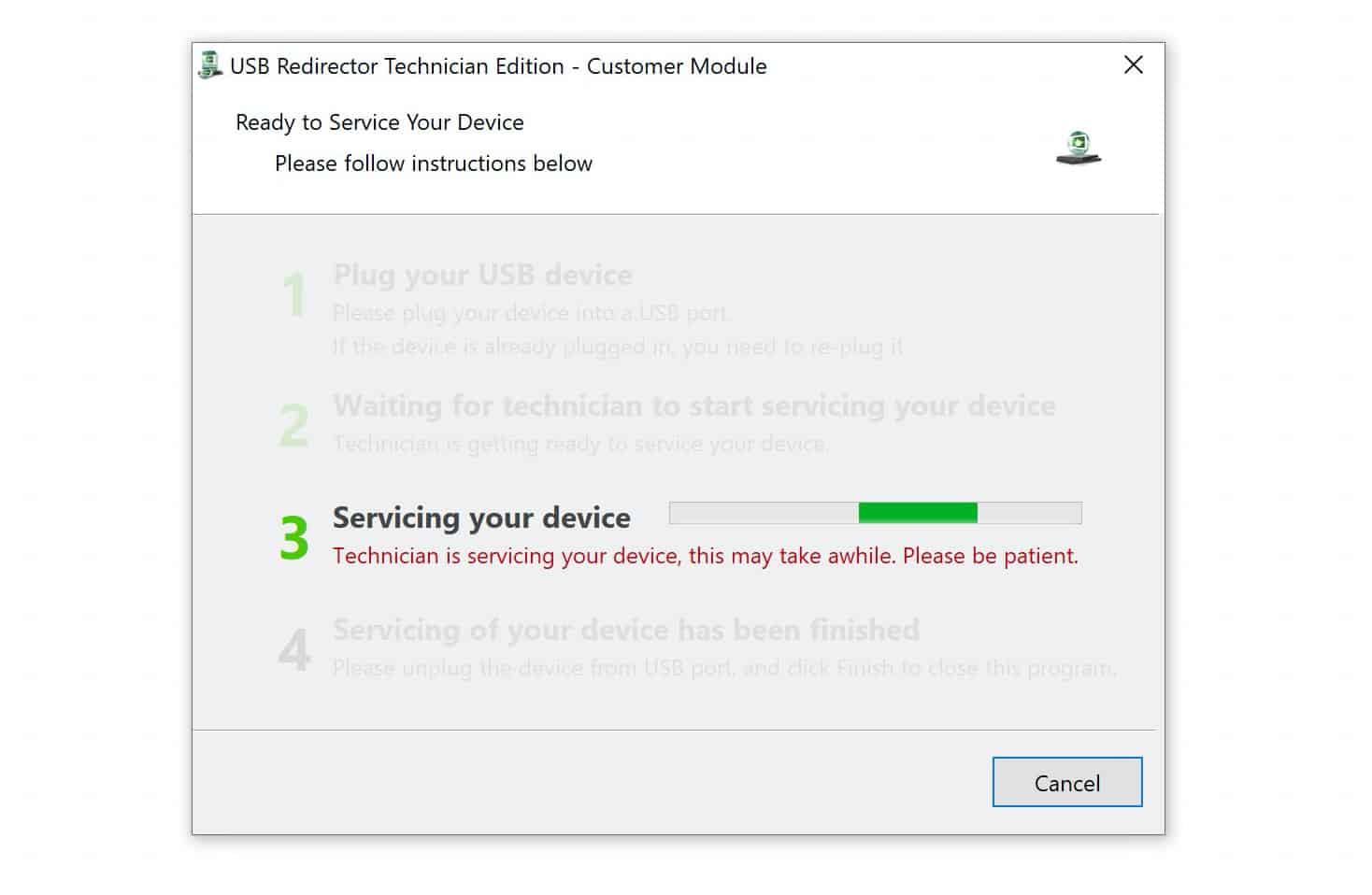
4 Next, connect your Galaxy Tab S11 tablet to your computer using a USB cable, then carefully follow the step-by-step instructions sent to you in the email from our support team.
5 If you have any questions or need assistance at any stage, our support team is available to guide you through the unlock process. For faster help, you can also connect with us via live chat here: https://www.unlockboot.com/chat/
After completing your order and following the provided steps, the FRP lock on your Galaxy Tab S11, S11 5G, S11 Ultra or S11 Ultra 5G will be removed, allowing you to use it again without any issues.
Fix Your Google Locked Samsung Tablet NOW
Why choose UnlockBoot to remove FRP lock from Galaxy Tab S11, S11 5G, S11 Ultra or S11 Ultra 5G?
Please remember that we offer a full money-back guarantee if your device isn’t unlocked by our service. We also ensure the entire process is handled with care, keeping your device safe and secure during the remote unlock. If you have any questions, our live agents are available 24/7 to assist you. Feel free to reach out anytime.









