

If your Galaxy A72 (SM-A725M or SM-A725F) has FRP (Factory Reset Protection) activated, you won’t be able to use it without entering the previously synced Google account. You’ll see a message asking for the old Google ID, and the phone will remain locked until the FRP is bypassed. So, how can you remove this lock? How do you get rid of it permanently? And how does it get activated in the first place? In this guide, we’ll answer all of these questions for you.

Factory Reset Protection (FRP) lock is a security feature designed to prevent unauthorized access to your device after a reset. It ensures that no one can simply wipe your phone and start using it without your permission. To perform a full factory reset and erase all data, you’ll need to enter the login details of the Google account previously linked to the device. If you’ve forgotten those credentials, the FRP lock will be triggered, blocking access.
Fix Your Google Locked A72 NOW
There are many old tools and software available that can be used to remove the FRP lock. However, these methods have been around for years and are considered outdated. They often involve a lengthy and complicated process, including installing various apps and manually bypassing the lock — which can be time-consuming and frustrating.
Permanently Remove the FRP lock of your Samsung Galaxy A72
Before beginning the unlock process, ensure you have a USB cable ready to connect your phone to a computer with an active internet connection. You’ll also need the IMEI number of your Galaxy A72, which is used to identify the device. If you don’t remember the IMEI, you can usually find it on the back of your phone or tap emergency then type *#06#. Once you have everything ready, let’s move on to the unlock process.
1 Navigate to the FRP Unlock Services section and locate the A72 FRP Lock Removal Service. You can access it directly using this link: https://store.unlockboot.com/frp-unlock-service/
2 Enter your device’s IMEI number and complete the purchase. If you can’t find the IMEI, you can enter the SN or 0000 instead.
3 You’ll receive an email with instructions to complete the FRP removal. Just connect your phone to your computer and follow the steps provided.
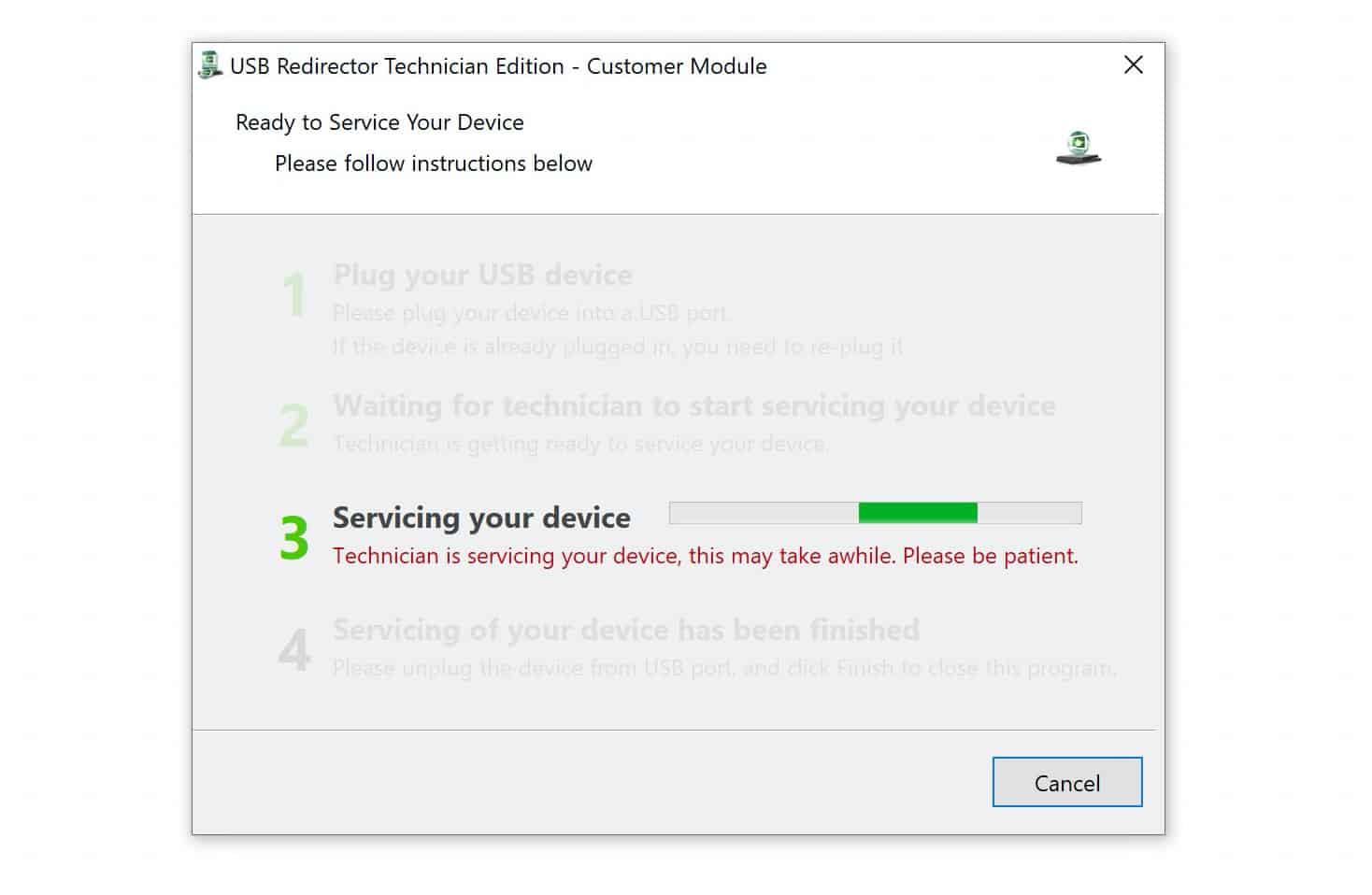
After a short while, one of our skilled experts will reach out to you directly and guide you through the process. They will remotely connect to your Galaxy device and permanently bypass the FRP lock, ensuring you regain full access without any restrictions. This professional service guarantees a safe and reliable unlock tailored specifically for your device.
Unlock Your FRP Locked A72 NOW
If you have any questions or need assistance at any point, don’t hesitate to contact us. Our support team is always ready to help you and ensure a smooth and hassle-free experience.









