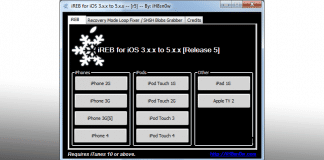
Jailbreak iPhone 4S & iPad 2 5.0.1 untethered has been released finally. The Chronic Dev team with the help of Pod2g and MusclNerd of iPhone Dev team has released Greenpois0n Absinthe untethered Jailbreak 5.0.1 iPhone 4S &iPad 2.

Absinthe Untethered Jailbreak support devices:
- iPhone 4S running iOS 5.0, 5.0.1 (9A405 and 9A406)
- iPad 2 Wifi/GSM/CDMA running iOS 5.0.1
Jailbreak iPhone 4S / iPad 2 5.0.1 untethered with Greenpois0n Absinthe
Required Downloads:
All ipsw files and tools can be downloaded from our download section.
- Download iOS 5.0.1 ipsw for iPad 2
- Download iOS 5.0.1 9A406 for iPhone 4S
- Download iOS 5.0.1 9A405 for iPhone 4S, 4, 3GS, iPad 2, iPad 1, iPod touch
- Download iTunes
- Download Greenpois0n Absinthe 0.4 for Windows
- Download Greenpois0n Absinthe 0.4 for Mac
- Download Greenpois0n Absinthe 0.4 for Linux
How to jailbreak iPhone 4S & iPad 2 5.0.1 untethered with Greenpois0n Absinthe :
Step 2: Download Greenpois0n Absinthe, then unzip and run the file.
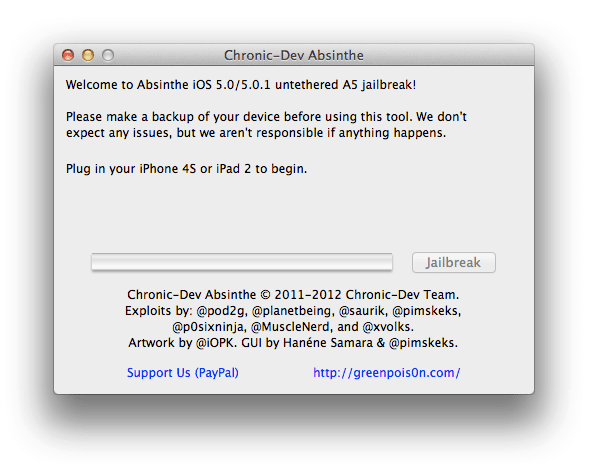
Step 3: Connect your iPhone 4S or iPad 2 with your PC via USB.
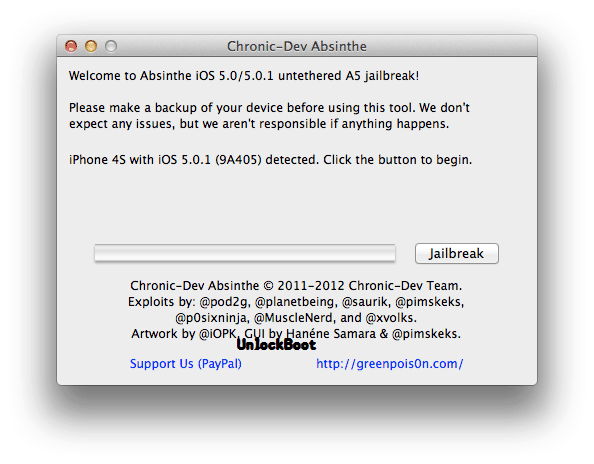
Step 4: Simply click on “Jailbreak” button follow the steps appear on the greenpois0n screen, and your are done. congratulations.
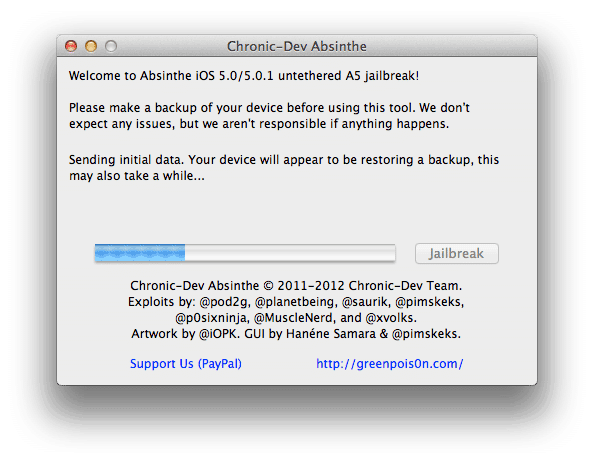
Step 5: The application will take you through several steps of the jailbreak: Sending initial data, waiting for reboot, waiting for device to finish booting, Preparing jailbreak data, and Sending payload data.
Step 6: You will be informed that the jailbreak is ‘Almost done’.
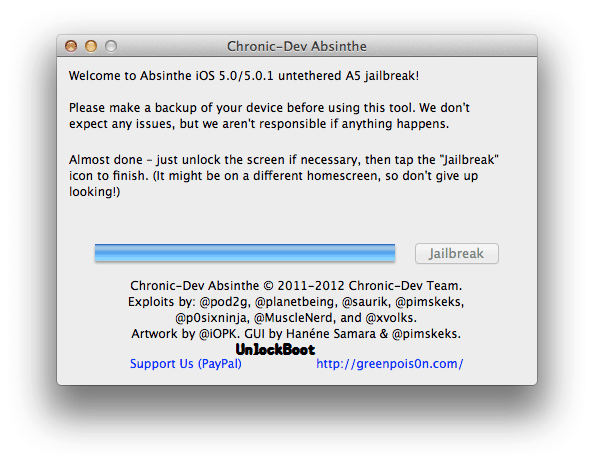
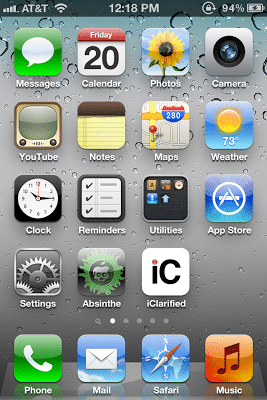
Step 7: On your device, locate the Absinthe icon and press it to complete your jailbreak. It could be on any home screen.
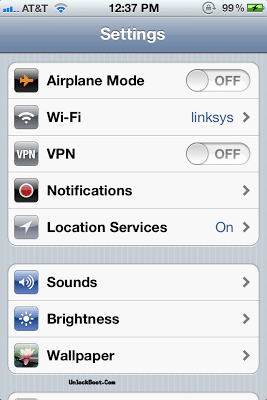
Fix: If the server is down and you get an Error establishing a database connection message then tap the Settings icon on your springboard and turn on VPN.
Fix: If you Get Camera Roll Error, Fix it Here.
Thanks to Chronic Dev-team who released the Mac version of Absinthe GreenpoisOn. Now, Chronic Dev-team has just released Absinthe Greenpois0n for Windows users. Don’t Forget to Share this post and Follow UnlockBoot. We hope you would be satisfied with this tutorial?