It’s no longer a secret that Apple Watch has become a favorite among the geeky community. However, it has been only released in countries, and a major part of the globe is still waiting for its release. If you are still among the waiting batch, you may have to wait a little longer. However, you can use your Mac to set up an Apple Watch screensaver, which should be a little consolation for your wait.
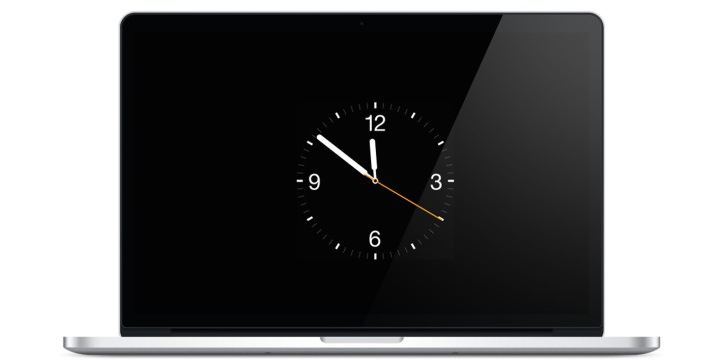
Download Apple Watch Screensaver for Mac OS X
The Apple Watch Screensaver will keep you patient and inspired while you wait.
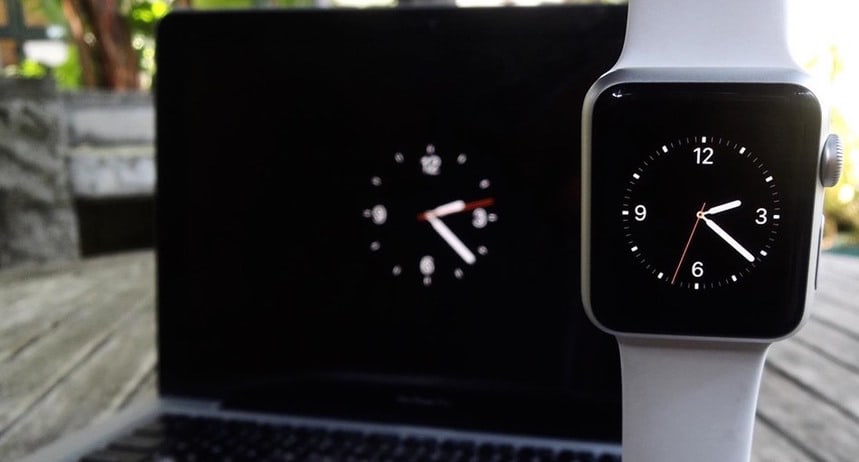
Instructions for installing Apple Watch Screen Saver on Mac
Step 1: Head over to Rasmus Neilsen’s website and download the screen saver for Apple Watch.
Step 2: After the screen saver has been downloaded, head over to Apple Watch 1.2.saver.zip file and unzip the content.
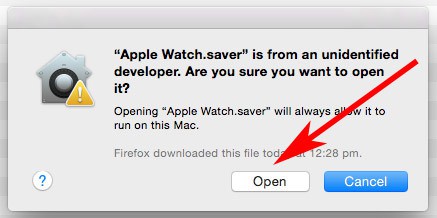
Step 3: Launch the Apple Watch.saver file. Select Open if a dialog box appears saying “Unidentified Developer Warning”.
Step 4: After the saver file opens, you will be in the Settings app. Then you will be prompted to install the screen saver. Select preferences and choose Install.
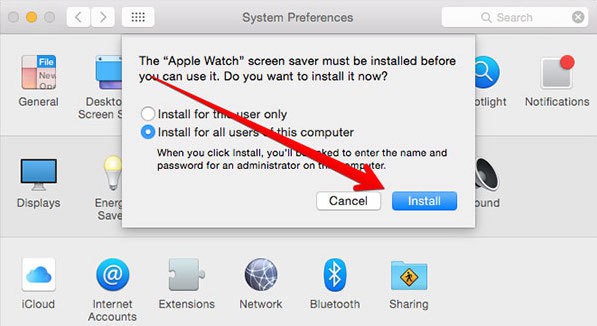
Step 5: After successful installation, an automatic redirection would take you to the Screen Saver section on the Mac.
Step 6: Now choose Apple Watch screensaver and make other settings adjustment.
Before the screensaver is saved, a preview can be seen through the “Preview” button.
Apple Watch screensaver should be a welcome addition to the Mac; especially for sprucing up a screen with a 70s wallpaper.