

We know how disturbing it can be to lose contacts after updating to a new iOS version. Other issues may include FaceTime activation problems, Bluetooth connectivity issues and freezing of Parallax. Don’t worry, as we’re here to provide a solution for lost contacts.
2 Methods to Recover Lost iPhone Contacts
Below are the 2 tested method to recover your lost iPhone contacts:
Method 1: Recover iPhone Contact Using iTunes
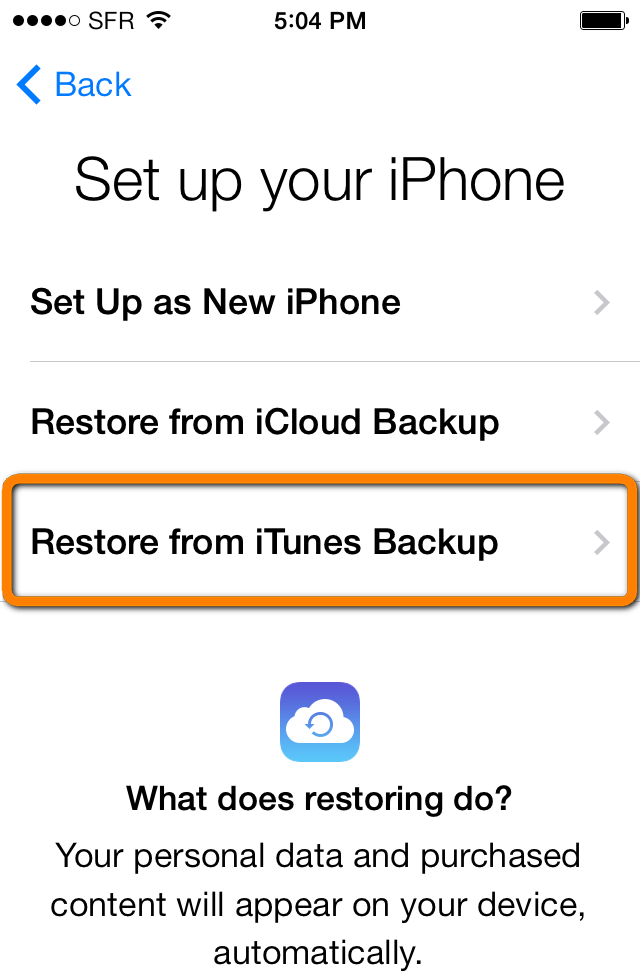
If you’ve synced the iPhone with iTunes, which most Apple users do, you can use the backup restoration process. This can be done by:
- Connecting the iPhone to computer with USB.
- Selecting iTunes on the iPhones -> Device summary after picking your device.
- Go to backup and select restore backup.
- Now choose the proper option to proceed.
This might just bring back your contacts.
Method 2: Recover iPhone Contact Using iCloud
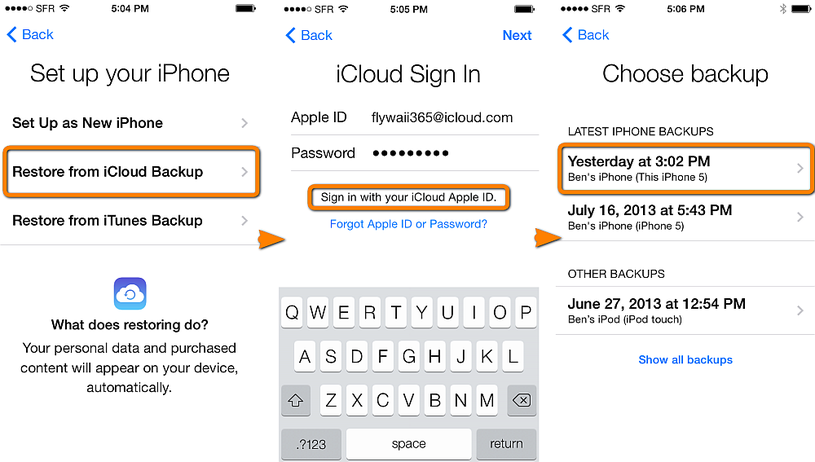
- First of all, choose the option of Settings.
- Next, select the iCloud account and use your Apple credentials to login.
- Now go to Contacts and toggle on the iCloud sync.
- If it’s on already, switch it back to off then on again.
These 3 steps might get your contacts back. The problem is that iCloud syncs your contacts from the iPhone, and sometimes the contacts get replaced without the knowledge of the user.
The two workarounds can be used to regain lost contacts after updating to iOS 7.1.2. Also, turning OFF and ON might also restore the contacts on some occasions.
Related iOS 7.1.2 Fixes:
Have you ever lost contacts after an iOS updates? What did you do to resolve the issue? Feel free to leave your thoughts in the comment section below.









