You bought a new iPhone 7, began restoring it, only to see the iCloud restore failing. Multiple attempts, but nothing happens. All you see is a message “Can’t Restore Backup.” This article sheds light on “Cannot Restore Backup” issue, why iCloud restore process fails, and how to solve the failure of iCloud backup restoration.
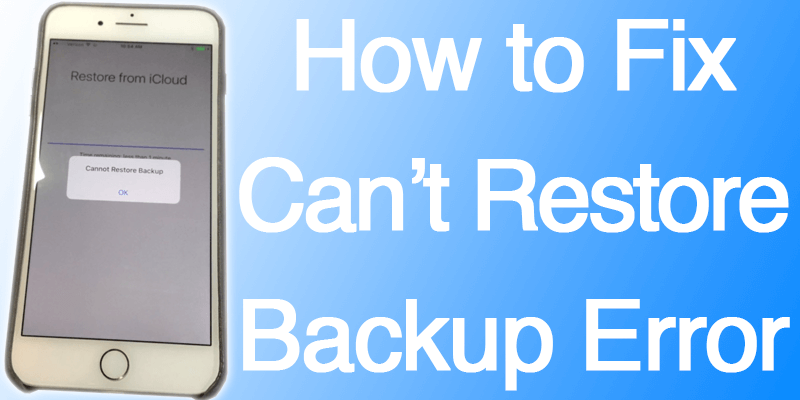
Why “Cannot Restore Backup” message Appears When Restoring iPhone 7 from iCloud?
The iPhone 7 shouts “Cannot Restore Backup” and doesn’t restore from iCloud since the iOS version shipped with the handset is older than the iCloud backup version of iOS.
But Both My Old iPhone and My New iPhone 7 are On Firmware iOS 10, So What Is the Problem?
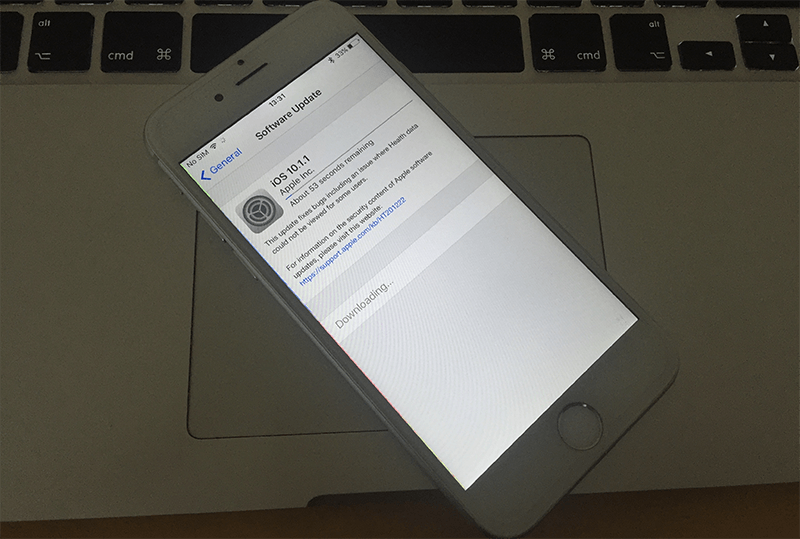
Well, they – and they aren’t. The iPhone 7 comes with iOS 10.0, but a minor update was done by Apple since the software was preloaded onto the iPhone 7 in China. Your iPhone is probably, like a lot of other iDevices out there, running on iOS 10.1.1. And the difference in firmware, even 0.1 version, can cause a lot of problems in the iCloud restoration process.
Fix iPhone 7 Cannot Restore Backup from iCloud Issue
Just follow these steps to fix the “Cannot Restore Backup” error on your iPhone:
- Connect your iPhone 7 to a PC with iTunes installed.
- Put the handset in DFU mode. You can check out one of our articles that explain how to DFU restore an Apple handset.
- With iTunes, restore iPhone 7.
- Now you can restore from the iCloud backup.
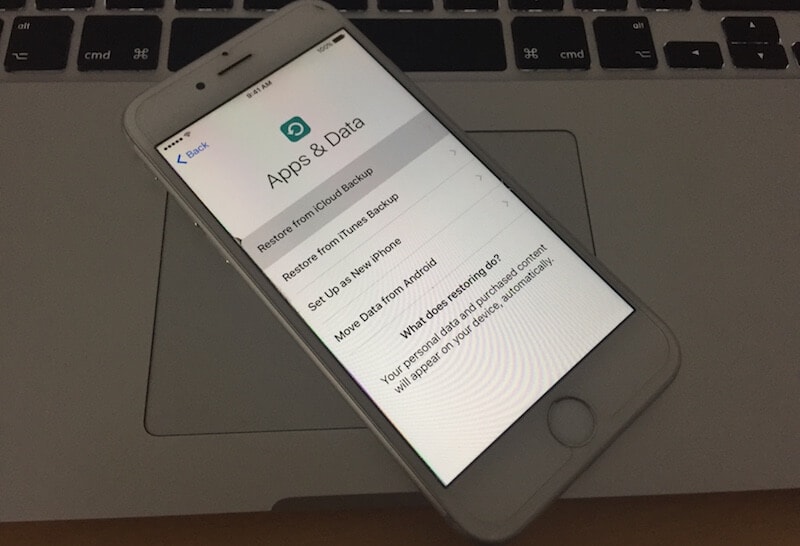
Yup, all that has to be done is that the iPhone 7 needs to be updated to the latest firmware and the problem gets resolved. Now that both the new and old iPhone are on firmware iOS 10.1.1, restoration should go smooth.
Enjoy the iCloud Restored iPhone 7
There’s so much to like about the latest iPhone; you’d love the new features. The problem that you were facing has been resolved, and the iCloud restoration process should work as your iPhone 7 has been updated. Enjoy the new experience and feel free to leave comments.