CarPlay is a new iPhone feature readily available in latest car models, providing users unparalleled ease of use. The user can set up CarPlay to display directions on a map, messages, music, make calls and use Siri through a dashboard display. We are here to show you how to set up Apple CarPlay before making use of its great functionality.
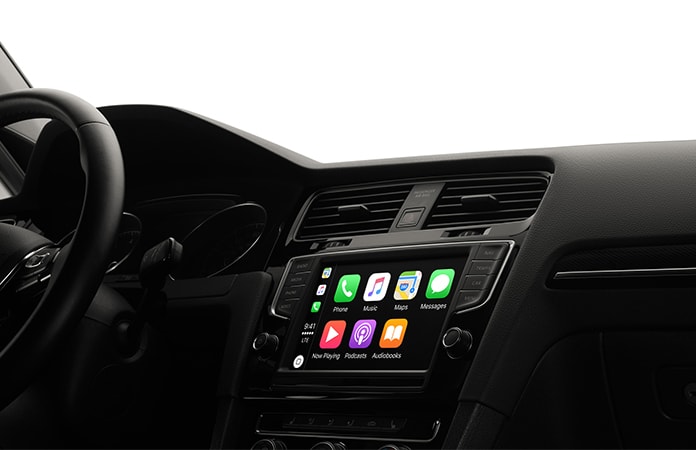
Firstly you must own an iPhone 6 or above, have a new version of iOS and possess a stereo that supports CarPlay. A comprehensive list of vehicles that support this feature can be found here. If your vehicle isn’t on the list you can always purchase a deck that is CarPlay compatible.
Steps to Set up Apple CarPlay and Pair it with your iPhone
Step 1: Connect your iPhone through USB or Bluetooth.
Step 2: Turn on the car.
Step 3: Go to Settings -> General -> CarPlay.
Step 4: You can set up CarPlay using either USB or Bluetooth. Bluetooth affords more ease of use but requires a CarPlay integrated steering.
- Bluetooth setting: Tap ‘Turn on Bluetooth’ then press the vehicle’s Siri/CarPlay button to initiate set up.
- USB setting: Simply plug in the USB and cable and connect the iPhone.
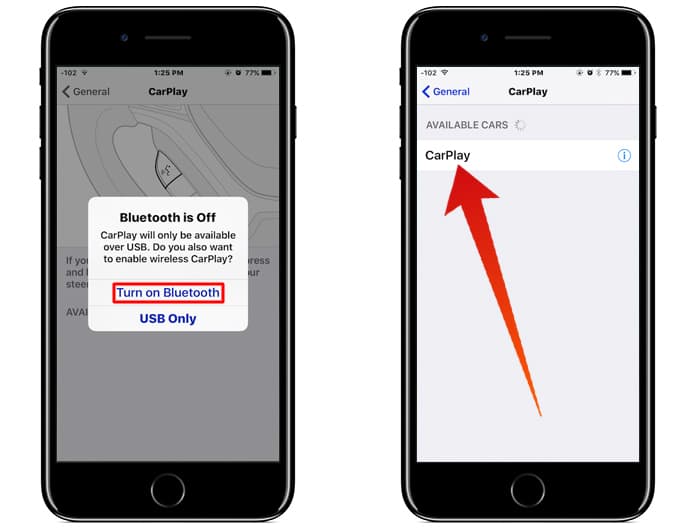
iPhone CarPlay Settings – Choose connection type to setup Apple CarPlay
Step 5: After detection, select your car from the given list and CarPlay should display on your in-dash screen.
Step 6: To test if it is working correctly call on Siri using the Voice Control Button on the steering or using the CarPlay compatible touch screen.
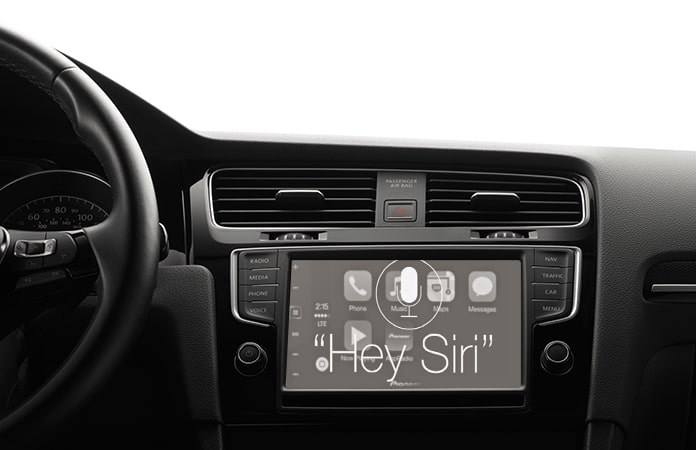
Activate Siri to test CarPlay
If you managed to follow all these steps you have successfully set up Apple CarPlay. It is now possible to use your touch screen display just like an iPhone. This includes utilizing all Siri commands whether it’s to send messages, play some music or ask for directions.
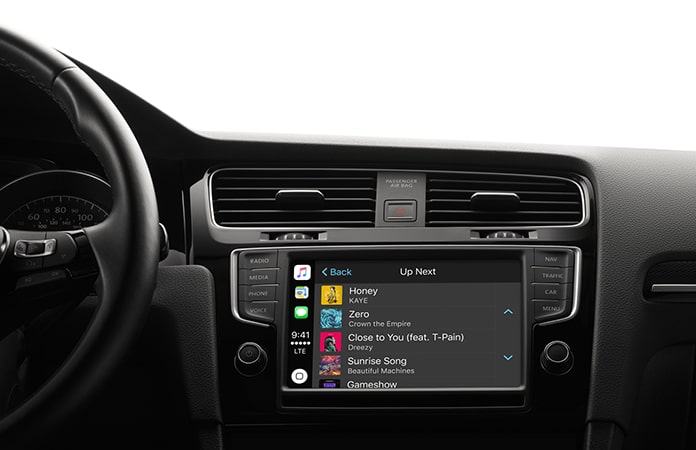
Set up Apple CarPlay and Play the content from your iPhone
Although the feature may have limited availability at the present it is sure to be trend that catches on very soon. The number of compatible stereos in newer vehicles is certain to go up with time. If you own a car that allows you to set up Apple CarPlay it is definitely something worth at least trying out. Commuting will always be fun with never a dull moment.