There’s good news for iOS users. Apple has now made iOS 11.3.1 official to the public. You can update via OTA or download iOS 10.3.1 IPSW file (for manual installation). It shows that Apple tries its best to improve its software.
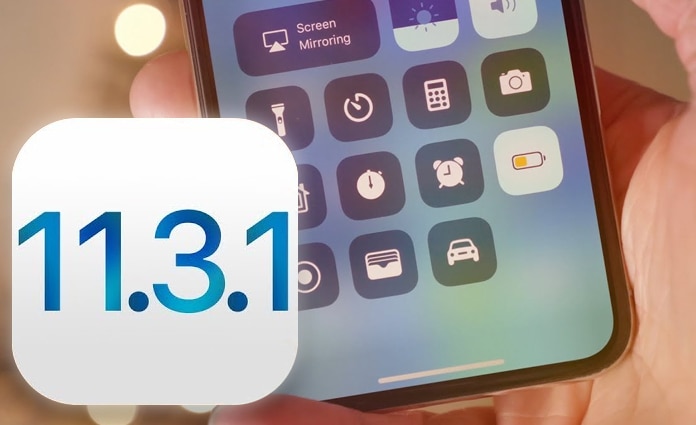
This comes after the public release of iOS 11.3, which came with a number of important additions, improvements, and fixes. However, Apple wasn’t going to be content with the release, so it seeded out iOS 11.4 in a pre-release state, allowing qualified developers to test what’s cooking behind the scenes.
The company usually does a major iOS release with tiny bug fixes, which is what happened in the latest case. Instead of adding new functionality or features, the new release – iOS 11.3.1 – fixes niggles and bugs which have been identified and complained about since iOS 11.3 was released to the public.
Below is the Changelog of iOS 11.3.1:
iOS 11.3.1 improves the security of your iPhone or iPad and addresses an issue where touch input was unresponsive on some iPhone 8 devices because they were serviced with non-genuine replacement displays.
Note: Non-genuine replacement displays may have compromised visual quality and may fail to work correctly. Apple-certified screen repairs are performed by trusted experts who use genuine Apple parts. See support.apple.com for more information.
It’s also a possibility that the Cupertino company has integrated some significant fixes with the latest release. However, iOS 11.3.1 release doesn’t stop the excitement about iOS 11.4, which is salted to include a brand new ClassKit framework and several other improvements. Overall, it’s been a good showing as far as iOS, Apple and the global smartphone consumer base goes.
Download iOS 11.3.1 ISPW File
If you own a 64-bit compatible iPad or iPhone, you can grab iOS 11.3.1 over-the-air by going to Settings – General – Software Update. Alternatively, if you want to do a fresh install manually using iTunes and IPSW, then you can do that from the links below.
Download it from our downloads section page.
We recommend you to clean install the new iOS 11.3.1 version if you are dealing with a display, battery or other problems.